RSS Feed
 Twitter
 Gmail and Google Drive — working better together while you’re on-the-go


Your email is important to you, and making sure it stays safe and always
available is important to us. As you go about your day reading,
writing, and checking messages, there are tons of security measures
running behind the scenes to keep your email safe, secure, and there
whenever you need it.
Starting today, Gmail will always use an encrypted HTTPS connection when you check or send email. Gmail has supported HTTPS since the day it launched, and in 2010 we made HTTPS the default.
Today's change means that no one can listen in on your messages as they
go back and forth between you and Gmail’s servers—no matter if you're
using public WiFi or logging in from your computer, phone or tablet.
In addition, every single email message you send or receive—100% of
them—is encrypted while moving internally. This ensures that your
messages are safe not only when they move between you and Gmail's
servers, but also as they move between Google's data centers—something
we made a top priority after last summer’s revelations.
Of course, being able to access your email is just as important as
keeping it safe and secure. In 2013, Gmail was available 99.978% of the
time, which averages to less than two hours of disruption for a user for
the entire year. Our engineering experts look after Google's services
24x7 and if a problem ever arises, they're on the case immediately. We
keep you informed by posting updates on the Apps Status Dashboard until the issue is fixed, and we always conduct a full analysis on the problem to prevent it from happening again.
Our commitment to the security and reliability of your email is
absolute, and we’re constantly working on ways to improve. You can learn
about additional ways to keep yourself safe online, like creating strong passwords and enabling 2-step verification, by visiting the Security Center: https://www.google.com/help/security.
Tampilkan postingan dengan label Gmail and Google Drive — working better together while you’re on-the-go. Tampilkan semua postingan
Tampilkan postingan dengan label Gmail and Google Drive — working better together while you’re on-the-go. Tampilkan semua postingan
Jumat, 15 Agustus 2014
Selasa, 05 Agustus 2014
Whether your email address is firstname.lastname@ or something more
expressive like corgicrazy@, an email address says something about who
you are. But from the start, email addresses have always required you to
use non-accented Latin characters when signing up. Less than half of
the world’s population has a mother tongue that uses the Latin alphabet.
And even fewer people use only the letters A-Z. So if your name (or
that of your favorite pet) contains accented characters (like “José
Ramón”) or is written in another script like Chinese or Devanagari, your
email address options are limited.
But all that could change. In 2012, an organization called the Internet Engineering Task Force (IETF) created a new email standard that supports addresses with non-Latin and accented Latin characters (e.g. 武@メール.グーグル). In order for this standard to become a reality, every email provider and every website that asks you for your email address must adopt it. That’s obviously a tough hill to climb. The technology is there, but someone has to take the first step.
 Today
we're ready to be that someone. Starting now, Gmail (and shortly,
Calendar) will recognize addresses that contain accented or non-Latin
characters. This means Gmail users can send emails to, and receive
emails from, people who have these characters in their email addresses.
Of course, this is just a first step and there’s still a ways to go. In
the future, we want to make it possible for you to use them to create
Gmail accounts.
Today
we're ready to be that someone. Starting now, Gmail (and shortly,
Calendar) will recognize addresses that contain accented or non-Latin
characters. This means Gmail users can send emails to, and receive
emails from, people who have these characters in their email addresses.
Of course, this is just a first step and there’s still a ways to go. In
the future, we want to make it possible for you to use them to create
Gmail accounts.
Last month, we announced the addition of 13 new languages in Gmail. Language should never be a barrier when it comes to connecting with others and with this step forward, truly global email is now even closer to becoming a reality.
But all that could change. In 2012, an organization called the Internet Engineering Task Force (IETF) created a new email standard that supports addresses with non-Latin and accented Latin characters (e.g. 武@メール.グーグル). In order for this standard to become a reality, every email provider and every website that asks you for your email address must adopt it. That’s obviously a tough hill to climb. The technology is there, but someone has to take the first step.

Last month, we announced the addition of 13 new languages in Gmail. Language should never be a barrier when it comes to connecting with others and with this step forward, truly global email is now even closer to becoming a reality.
Senin, 04 Agustus 2014
Important stuff doesn't always happen when you’re conveniently sitting
at your desk. Maybe you're out to dinner when your boss tells you that
she needs the latest project proposal ASAP, or your daughter calls you
on your commute home to ask you to proofread her college essay (that’s
of course due that night!). While we can't make your life more
predictable, today's update to the Gmail iOS app, along with earlier updates to the Gmail Android app, makes it easier to get stuff done on-the-go.
Just like with Gmail on the web, you can now insert files from Google Drive directly into an email on your phone or tablet.
 The
apps will even tell you if your file isn’t shared with the person
you’re sending it to so you can change the sharing settings before you
send it. And to help you store all your files in a single place, if
someone sends you an email attachment, you can save it directly to Drive
with one tap.
The
apps will even tell you if your file isn’t shared with the person
you’re sending it to so you can change the sharing settings before you
send it. And to help you store all your files in a single place, if
someone sends you an email attachment, you can save it directly to Drive
with one tap.
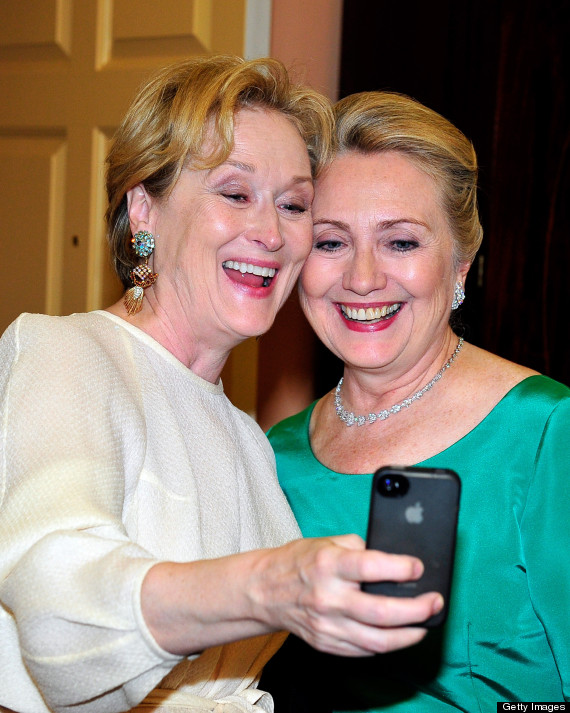
 On iOS, you can now also change your profile picture right from your Settings. So the next time you take that perfect selfie,
you can make it your profile picture right away, all while out with
friends. Lastly, if you have multiple Gmail accounts, you can choose
which signed-in accounts you want visible in the app.
On iOS, you can now also change your profile picture right from your Settings. So the next time you take that perfect selfie,
you can make it your profile picture right away, all while out with
friends. Lastly, if you have multiple Gmail accounts, you can choose
which signed-in accounts you want visible in the app.
You can give these features a try by downloading the updated Gmail iOS app from the App Store, and if you’re using an Android phone or tablet, you can get the latest version of the Gmail Android app from the Google Play Store.
Just like with Gmail on the web, you can now insert files from Google Drive directly into an email on your phone or tablet.


You can give these features a try by downloading the updated Gmail iOS app from the App Store, and if you’re using an Android phone or tablet, you can get the latest version of the Gmail Android app from the Google Play Store.
Langganan:
Postingan (Atom)